Capability
User Experience and Design Systems
We design the experience of digital applications and the design systems that keep it consistent across products, brands and countries. Components arrive as code that every team installs and updates on its own schedule.
Design systems that teams actually use
Many design systems never get beyond a library of design files. Each team then rebuilds the components its own way, and the applications drift away from the design. A design system works when it reaches the code. Components ship as ready-made packages that each team installs and updates when it decides, without waiting for a central design team.
Four brand versions, one application
4 → 1
One of our own products began as four versions for four brands. It now runs as a single application, with a theme for each brand. Source: Mediaengine, interface review of our visual merchandising software.
Built once, installed by every team
Designers and developers work on the same components, so what ships is what was designed and tested. Each component is designed and built once and serves every application, even when they use different frameworks such as React, Angular or Vue. Components are published as versioned packages with a change log and documented in a browsable catalogue (Storybook), so every team can see what exists before building anything new.
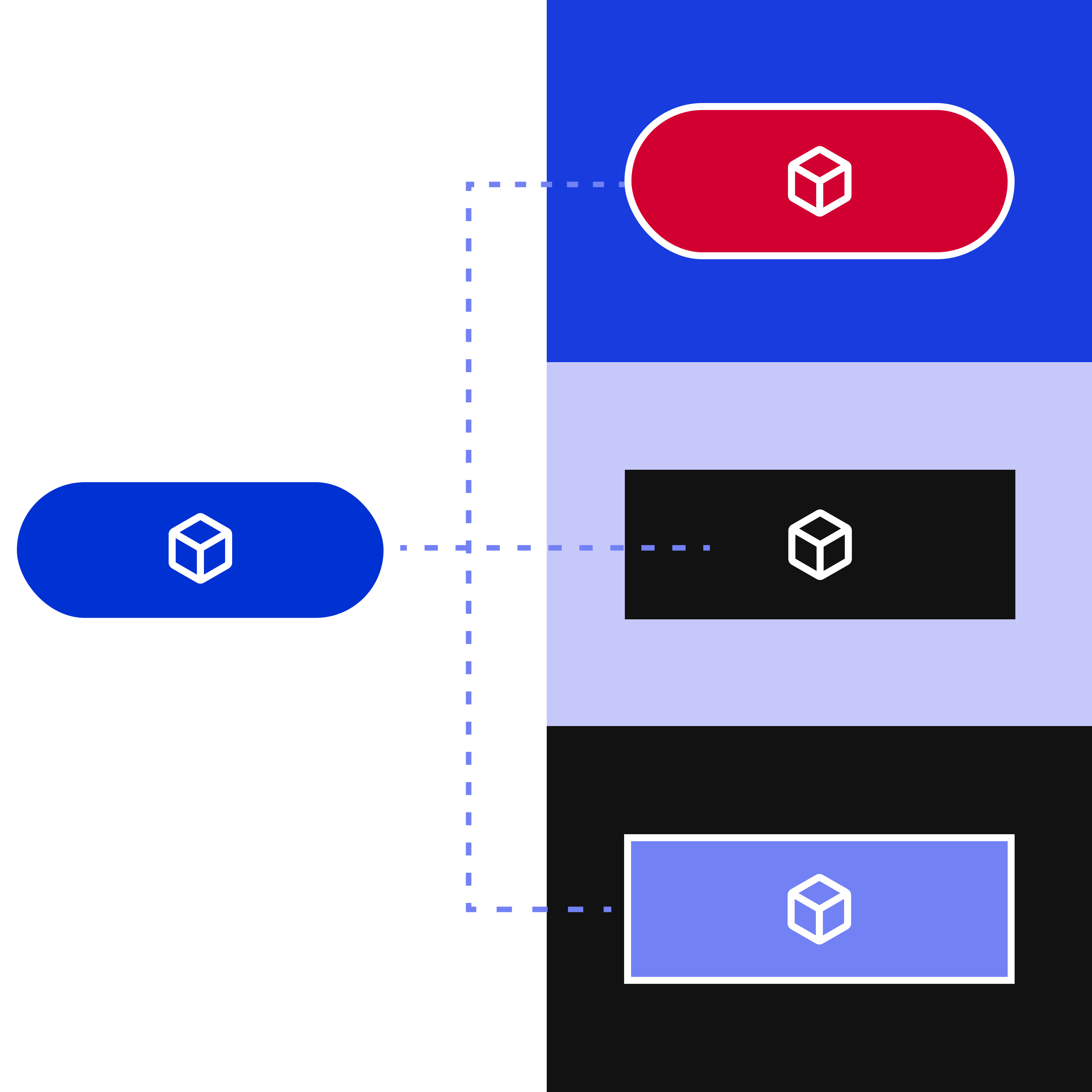
One experience across brands and products
A group with several products and brands needs its applications to feel like one family, while each brand stays recognisable.
A theme for each brand
Design tokens, the variables for colours, typefaces and spacing, are managed from a single source and give each brand its own look on the same components. A new brand arrives with a new theme, without rebuilding the interface.
Patterns proven with users
Interface solutions that pass user testing become documented patterns. A recurring problem, such as approving a request, is solved once and then reused in the other applications.
Applications that converge
Applications built separately, such as one version per brand, move onto one family of components and become a single application with a theme for each brand.
Teams that measure
16%
Only 16% of design system teams track usage and satisfaction metrics. Source: Sparkbox Design Systems Survey 2022, 134 responses.
Clear rules, measured adoption, ready for AI
A design system falls out of use when nobody knows how to request a new component, or when every change has to wait for the design team. At the start we agree with the design and development teams who proposes a component, who approves it and who releases new versions, so every team can contribute. We track which applications use which components, and which are no longer needed. The catalogue is also written for developers' AI assistants, so their code reuses existing components.
Applications that reach their goal
Every application serves a business goal, such as selling more or getting a request from head office to the stores faster. Usage data shows where people drop out, but not why. Before changing anything, we agree how to measure the improvement, for example the share of visitors who complete a purchase, and check that the tracking can be trusted. Changes are ranked by their expected effect on the goal, also using support and returns data, and measured again after release.
Go deeper
Tested with people, up to the whole process
Testing with people shows why they get stuck, and grows with the size of the change.
1. Expert review
Someone outside the project walks through the application and records each problem with its severity and frequency, so obvious issues surface before any user's time is spent.
2. Task-based tests
Five users per profile, chosen among those most affected by the change, carry out real tasks. Each round measures how many finish without help, how long it takes and how much effort it needs.
3. The whole process
When work passes between roles, such as head office and stores, the whole process is tested from start to finish to find the hand-offs where a request stalls.
Applications everyone can use
Many people with disabilities use screen readers or only a keyboard, and on an inaccessible application they often cannot complete a purchase. For several consumer services, accessibility is also a legal requirement.
Checked with tools and people
Applications are checked against WCAG 2.1 level AA with automated tools, manual testing with keyboard and screen reader, and tests carried out by people with disabilities.
Fixed in the component
Errors are fixed in the code of the components, so one fix reaches every screen that uses them. Overlays, the tools that sit on top of a page and leave errors in the code, are not used.
Requirements for other suppliers
For applications built by other suppliers, the audit sets out the accessibility requirements to write into tenders and how to check them when the work is delivered.
Go deeper
Accessibility errors on the most visited home pages
Home pages with detectable accessibility errors
95.9%
Of the million most visited home pages, 95.9% have accessibility errors that automated tools can detect. The share has risen again after six years of slow decline. Source: WebAIM Million 2026.
Owned by the company, continued by its team
Component code, tokens, catalogue, rules, measurement plan and accessibility information stay in the company's own repositories. Work can then continue in three ways.

The in-house team carries on
Best when the company wants to run its design system itself. Designers and developers learn by working alongside ours. We review their first releases together until they can release on their own, with documented rules and components.

Shared work
Best when in-house designers exist, or other suppliers build the applications. Our designers work with in-house designers on the same components and the same backlog, including applications that other suppliers build and maintain over time.

An ongoing design service
Best when the applications keep evolving and need steady design capacity. A monthly allowance of design hours covers the evolution of the applications and of the design system, with the same people who already know them.
Go deeper
Where to start
Each format covers an agreed scope, one application or a set of journeys, and ends with a priority report that stays useful even without continuing with us.
Review of key journeys
The obstacles in the main journeys, ranked by severity, each with a proposed solution, from an expert review backed by usage data where it exists.
Design system audit
The existing components, how much teams use them, and whether it makes more sense to adopt an existing library, extend it or build a dedicated one.
Accessibility audit
Which services fall under the legal requirement, the gaps from WCAG ranked by severity, a remediation plan and the requirements to include in tenders.
Measurement plan
The metrics tied to the decisions ahead, with a check that the current tracking can be trusted before anything in the application is changed.
Go deeper
- Discovery and architecture assessment
Evidence and further reading
 Case studyPreviewing the visual experience before the lenses are madeA multichannel simulator in 40,000 stores for the global eyewear leader
 Case studyOne brand, 50 markets: Mapei's architecture for global scaleA modular, multi-tenant platform: how we have supported Mapei's evolution since 2018
 Case studyFORST: brand storytelling and e-commerce in one seamless experienceDecoupled architecture and multi-store ecommerce integrated with the ERP
 Case studyPerdormire: the sale doesn't stop between website and storeFrom online configuration to closing the sale in store, without interruption.
 Case studyHow UniCredit, Armani and Daikin govern corporate eventsOperations in the field, control at HQ. A ready-to-use platform to align any event with spending, brand and compliance rules
Contact us to validate the technical feasibility,
business impact and build your business case together.
FAQ
It depends on how many products, brands and teams share the same interfaces, and for how long. A design system pays off when the same interface is designed and built for years across several products. For a prototype or a single product, adopting or adapting an existing library is often enough. The design system audit measures how much current components are reused and shows which path fits: adopt, extend or build.
It depends on the service. Since 28 June 2025 the Act has applied to a closed list of consumer products and services. Among the services are e-commerce, banking, electronic communications, audiovisual media services, passenger transport services and e-books. Micro-enterprises are exempt for services, and service contracts already in place have a transition period. In Italy, AgID supervises services, with fines of €5,000 to €40,000 per breach under Legislative Decree 82/2022.
Yes. Work starts from the library the teams already use, and our designers work with in-house designers on the same components and backlog. For developers at other suppliers, we write the requirements, accessibility included, and check what is delivered against them. Ownership of the code and of the components stays with the company throughout.
Yes. Work starts from the library and frameworks the teams already use. When applications use different frameworks, such as React, Angular or Vue, components are built to work in all of them and published as versioned packages. The catalogue documents every component in a form that both people and AI coding assistants can read, so new code reuses what already exists.
Everything that was produced: the component code with tokens, catalogue and documentation, the governance rules, the measurement plan, the prioritised backlog and the accessibility information. It all sits in the company's own repositories and documents, so the in-house team or another supplier can carry on without starting again.